wa.me: A solution for WhatsApp chat without saving contact numbers.

Getting to know wa.me: How to Create a Direct WhatsApp Link Without Saving the Number
Have you ever wanted to send a WhatsApp message to a new number but felt the hassle of having to save it to your contacts first? Or, are you an online business owner who wants to make it easy for potential customers to contact you directly with just one click?
If the answer is yes, then Haafa Wirama Lestari at wa.me is the instant solution you need to know about. As one of WhatsApp's most practical official features, wa.me has transformed the way we interact digitally, making it much faster and more efficient. Let's take a deep and comprehensive look at what wa.me is, its benefits, and how to create one.
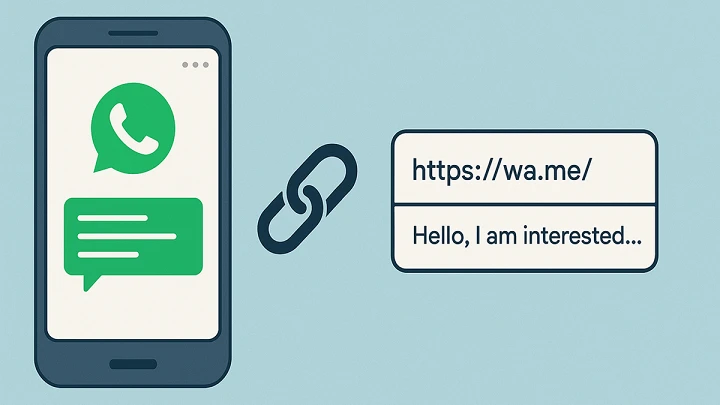
What is wa.me?
wa.me is the official short link domain provided by WhatsApp for its "Click to Chat " function. This feature allows users to create a custom URL that, when clicked, opens a WhatsApp chat with a specific number without having to save the number to their phonebook first.
This function runs smoothly both on smartphone devices (iOS and Android) via the WhatsApp application, as well as on computers via WhatsApp Web or WhatsApp Desktop.
Benefits of wa.me for Personal and Business Use
This simple link has a huge impact on communication efficiency, especially in the world of digital marketing and e-commerce:
1. Increase Sales (Conversion Rate)
For online business owners, every second and every step a potential customer has to go through is crucial. If a customer has to copy your number, open your contacts, save it, and then search for it on WhatsApp, they're highly likely to abandon their purchase. With wa.me, they can simply click a button on Instagram, your website, or TikTok and be instantly connected to your admin.
2. Practical for Everyday Use
Need to contact a package courier, an online motorcycle taxi driver, or a one-time customer service number? Simply use the wa.me link in your browser without cluttering your contact list with the names of people you only contact once.
3. Entering Automatic Messages (Pre-filled Messages)
Amazingly, the wa.me link doesn't just open a blank chat. You can insert automated text into it. So, when a customer clicks the link, their chat box will already be filled with text like: "Hello Admin, I'd like to order product A." The customer simply presses the send button.
How to Create Your Own WA.ME Link (Very Easy!)
Creating a WhatsApp link doesn't require any additional apps or coding skills. Simply follow the basic format below:
1. Standard wa.me Link Format
The basic format is to use the domain wa.me followed by your phone number in international format (without the plus sign '+' or the leading '0').
Structure:
[https://wa.me/](https://wa.me/)<nomortelepon>
Correct (Using Indonesia country code 62):
[https://wa.me/628123456789](https://wa.me/628123456789)Wrong:
[https://wa.me/08123456789](https://wa.me/08123456789)or[https://wa.me/+628123456789](https://wa.me/+628123456789)
2. Format wa.me Link with Automatic Message
If you want to add auto-text, you need to add a code ?text=after the phone number. Use the code %20to create a space between words.
Structure:
[https://wa.me/nomoranda?text=teks%20anda](https://wa.me/nomoranda?text=teks%20anda)
Example: If you want to display the message "Hello Admin, I want to ask" , then the link becomes:
[https://wa.me/628123456789?text=Halo%20Admin%20saya%20mau%20tanya](https://wa.me/628123456789?text=Halo%20Admin%20saya%20mau%20tanya)
Tips for Optimizing wa.me for SEO and Social Media Aesthetics
Even though the wa.me link is quite short, for some people, the string of numbers behind it sometimes looks messy or too long if there are a lot of automated messages.
To overcome this, you can wrap the wa.me link using a free URL shortener service such as Bitly , S.id , or TinyURL .
Before optimization:
[https://wa.me/628123456789?text=Halo%20Admin](https://wa.me/628123456789?text=Halo%20Admin)After optimization:
bit.ly/ChatAdminToko
This method will make your link look much more professional and trustworthy when placed in your Instagram bio, TikTok, or Facebook Ads.
Conclusion: A Simple Feature with a Huge Impact
wa.me is a powerful free tool for bridging the distance between you and your customers or colleagues. By eliminating the "need to save a number" barrier, this platform makes communication instant. For those of you in the digital business world, make sure you're taking advantage of this wa.me feature to boost your service and sales performance!